
To view MarginEdge in Spanish, you will need to make one change in your personal Settings. Following the instructions are some helpful things to know.
NOTE: When switching between languages while using MarginEdge will not automatically translate everything you see while using our application!
You will see the navigation, headers and the vast majority of the content displayed in the language of your choice. But remember that our software is built on your unique database created by your invoices, your recipes and categories from your accounting system. While we control a lot of the content you see, you also play a large role in this too! This underlying data will be entered in as it comes to us and will not be translated.
For example, if you enter recipes in English, then they will also show in English. But there is nothing preventing you from creating your recipes in Spanish, or in a hybrid of the two languages, and it will then display as such.
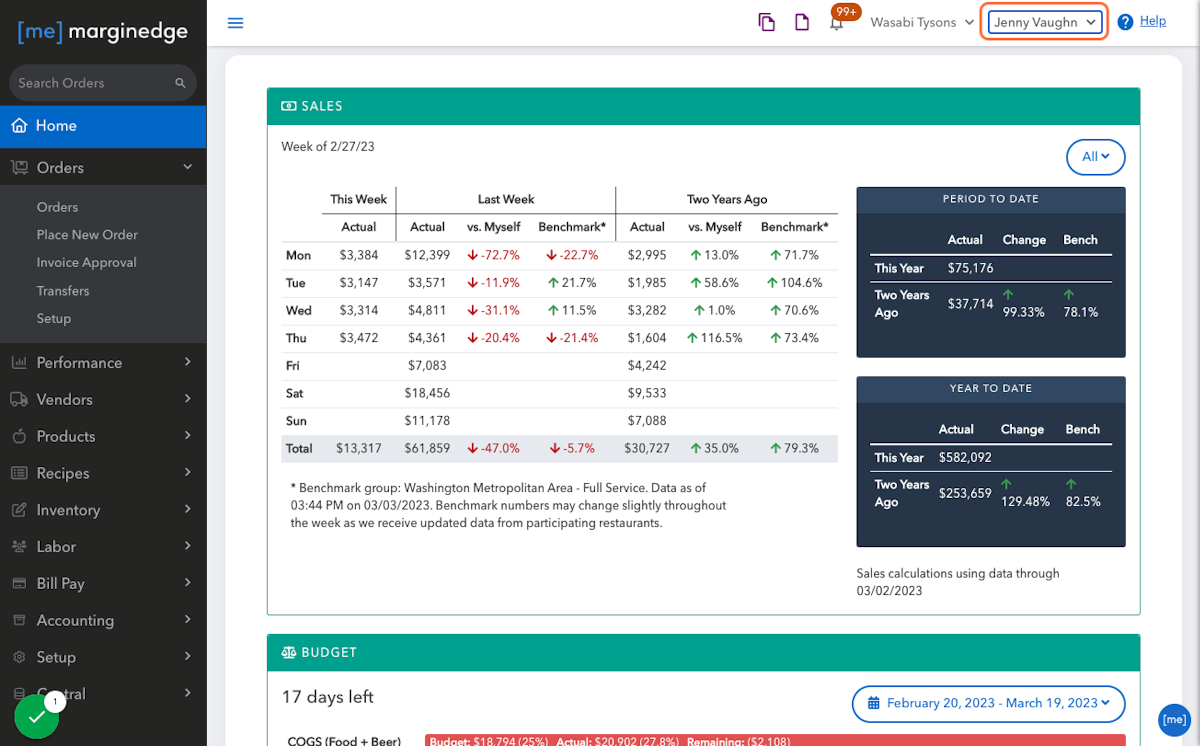
1. Go to the upper right hand corner and click on your name.
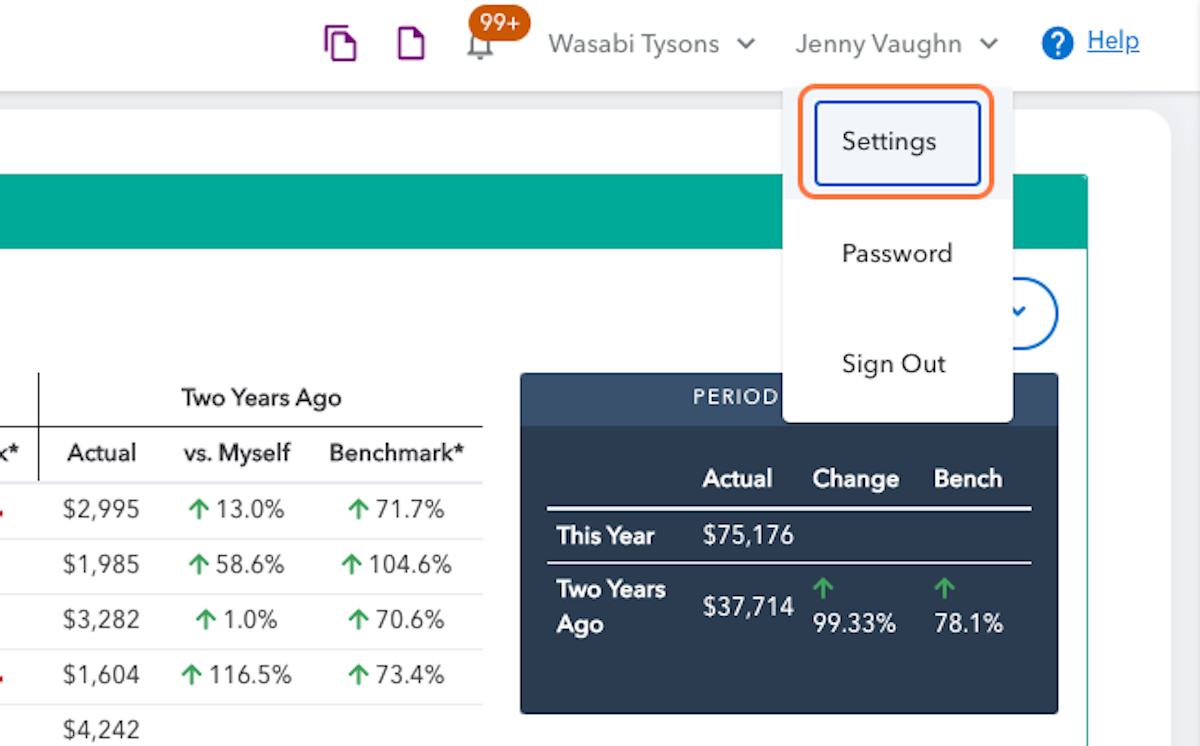
2. In the drop down menu, click on "Settings"
3. Select Spanish (United States)
4. Click on Save
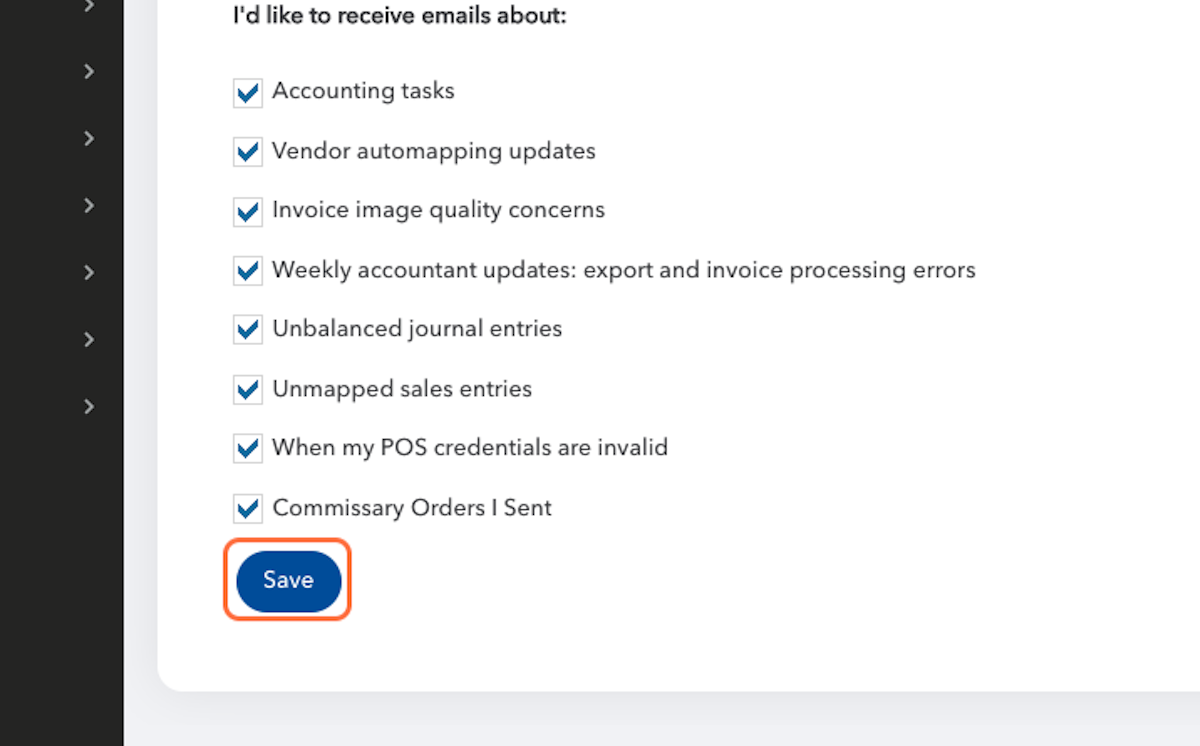
And you will immediately see the results of your actions!
Things to Note
Only invoices that are in English will be processed - please continue to only send us invoices in English, not Spanish.
Products will only be created in English - these will continue to be in English and displayed in English.
Our Terms and Conditions are in English, including the modal box that pops up when viewing our website asking you to accept them.