
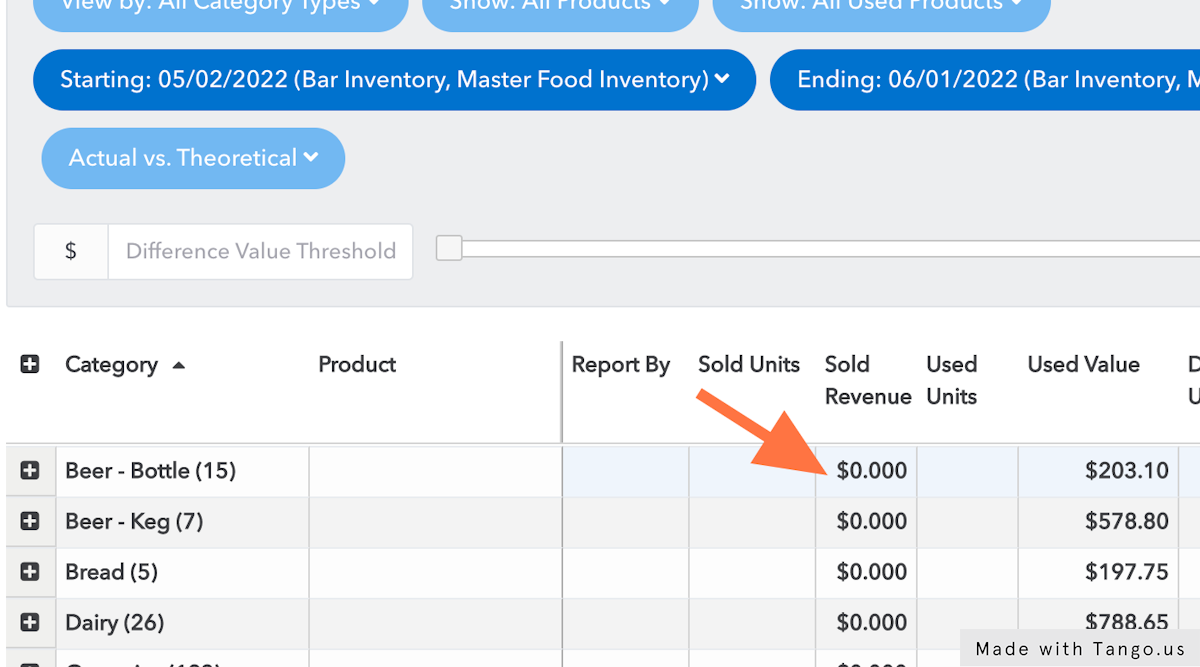
If you are looking at your Theoretical Usage report and are only seeing $0 in your sold revenue column, then chances are you have not set up your PMIX accurately.
To access your PMIX Mapping and allow for revenue to show, the minimum requirement is to map the categories. Once the categories are mapped, you can at least see the revenue applied generically across the product groups. Below are instructions for this first step.
Mapping your Categories for PMIX
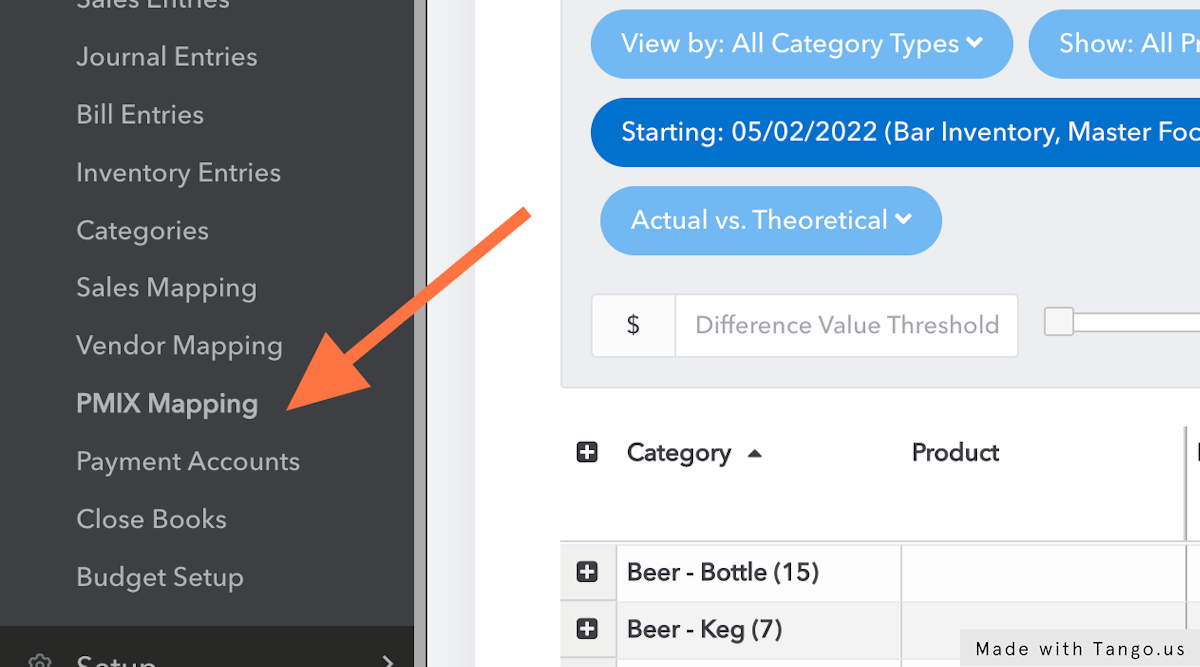
1. Click on Accounting and then find PMIX Mapping
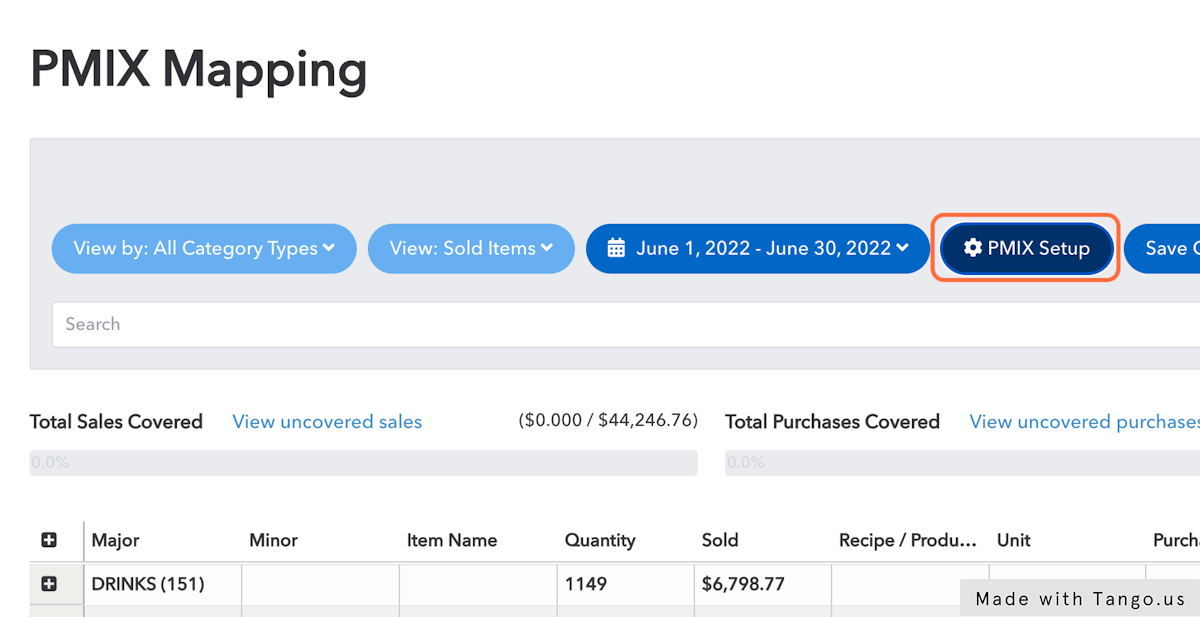
2. Once on the page, click on PMIX Setup
3. For any of your POS Product groups that you use, you can set the [me] Category type so that it will at least start to display broad category sales. You'll want to map as much as possible here.
![For any of your POS categories that you use, you can set the [me] Category type so that it will start to pull broad category sales](https://images.tango.us/public/screenshot_74c420d3-bfce-488b-bbfe-111092762287.png?fm=png&crop=focalpoint&fit=crop&fp-x=0.5989&fp-y=0.5669&fp-z=1.2468&w=1200&mark-w=0.2&mark-pad=0&mark64=aHR0cHM6Ly9pbWFnZXMudGFuZ28udXMvc3RhdGljL21hZGUtd2l0aC10YW5nby13YXRlcm1hcmsucG5n&ar=2718%3A1396)

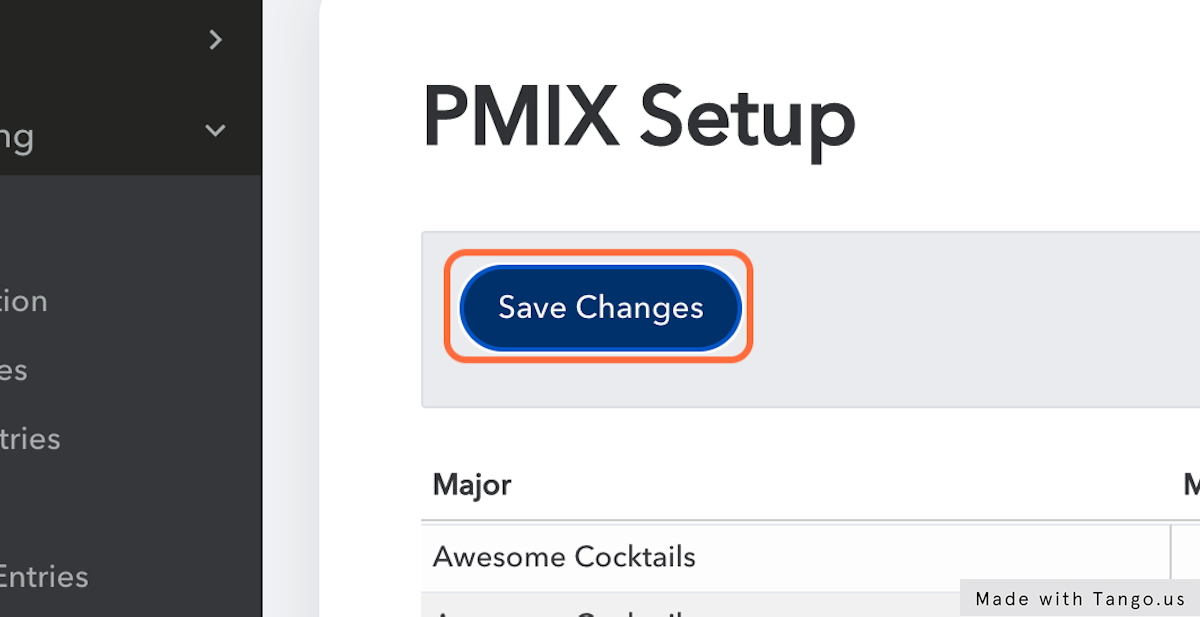
4. Click on Save Changes
Uncategorized Sales
While we encourage you to map as much as you need to see the information that's meaningful to you, sometimes it's too tedious to map it all. Unmapped PMIX data will show up as "Uncategorized Sales" on the theoretical usage report, which will allow us to calculate an accurate total target and actual cost percentage.
Next Steps
This is just the beginning! Jump to the next article to fill out more of your PMIX mapping to see more data: How do I setup PMIX Mapping?